

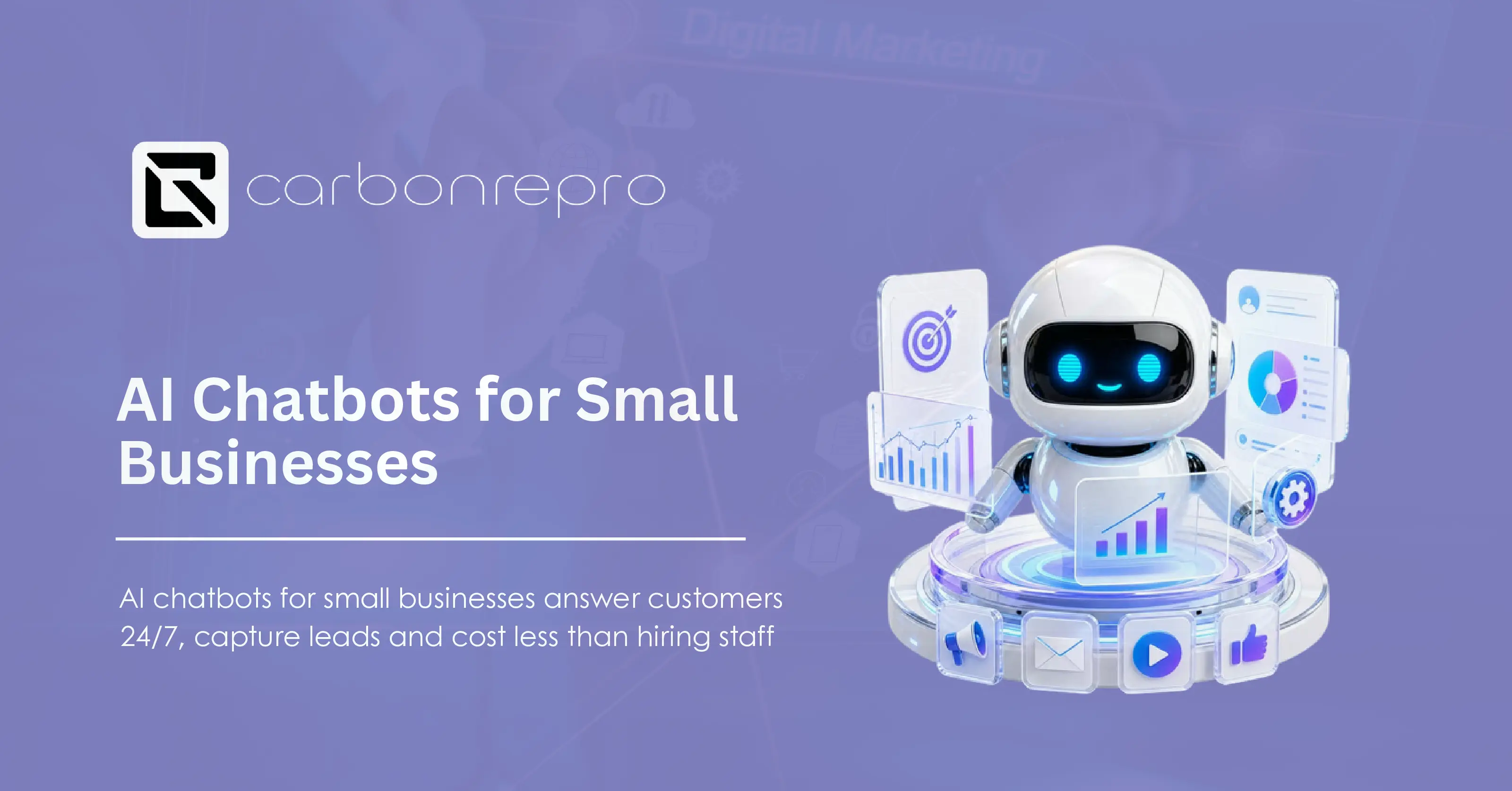
A customer messages your business at 9 PM. No one answers. They move to the next company on the list before you even wake up.
That’s the gap an AI chatbot closes. It reads a message, figures out what the customer wants, and replies in seconds, day or night, without adding a single person to your payroll. Small business owners across the country are using this right now to stop losing sales after hours.
What does an AI chatbot actually do?
An AI chatbot reads customer messages, understands the intent behind them, and sends a useful reply immediately. It answers the questions you get asked all day: pricing, hours, services, availability. It books appointments, collects contact details, and passes anything complicated to a real person on your team.
Older chatbots followed rigid scripts. Phrase a question differently than expected and the bot broke. Today’s chatbots run on natural language processing, so they understand a question no matter how someone types it.
Think about a boutique owner who answers the same five questions all day: hours, return policy, sizing, shipping cost, stock. A chatbot handles those five questions without her touching her phone.
How does AI automation for small business actually work?
A chatbot alone answers questions. Connect it through AI automation to your calendar, your CRM, and your other tools, and it starts taking real action instead of just talking.
Here’s a plain example. A customer messages asking to book a haircut. The bot checks your calendar, offers open times, confirms the booking, and adds it to your schedule. No staff member touches any of it.
This kind of setup also handles:
- Sending review requests after a job wraps up
- Sending appointment reminders to cut down on no-shows
- Following up automatically with a lead who went quiet
- Updating a spreadsheet or CRM record on its own
A CinchOps survey found 71 percent of small businesses now use some form of AI tool, and most report saving five to seven hours per employee each week. Service businesses feel this the most, since appointments and quick replies drive most of their revenue.
Chatbot vs. voice agent: which one do you need?
A chatbot handles text. A voice agent handles phone calls. Same core technology, different job.
A voice agent answers your business line, understands what the caller needs, and either resolves the call or routes it to a person. It works well for businesses that live on the phone: clinics, contractors, auto shops.
A chatbot fits better where customers prefer typing: retail, restaurants, professional services. A lot of businesses run both. The chatbot covers the website and social messages, the voice agent covers the phone line, and nothing goes unanswered.
How to get an affordable chatbot for a small business
You don’t need a five-figure build to get started. Basic platforms handle FAQ-level questions for free or $20 to $50 a month. Mid-tier bots with AI-driven replies typically run $50 to $150 a month. Fully custom builds with CRM integration, bilingual support, and calendar syncing cost more, since they’re built around your exact workflow instead of a template. For the full breakdown of what pushes that number up or down, see our AI chatbot cost guide.
A useful way to think about the cost: a part-time worker at $15 an hour for 20 hours a week runs over $1,200 a month before taxes and benefits. A chatbot covers that same after-hours window for a fraction of that, and it never calls in sick.
Most owners see the return fast. One extra booked customer a week often covers the whole monthly cost of the system.
What’s a realistic implementation process for a small business?
Getting a chatbot live doesn’t take months. A workable rollout looks like this:
- Pick one channel, usually your website, and set the bot up to handle your five most common questions.
- Connect it to your calendar so it can book directly instead of just collecting a message.
- Track how many conversations turn into bookings or sales over the first few weeks.
- Once it proves itself, add channels like Facebook Messenger or WhatsApp.
- Layer in lead qualification questions once you know which details actually matter for your business.
That’s it. Start narrow, prove the value, then expand.
Why 24/7 response speed matters more than people think
A 24/7 chatbot answers the second a message arrives, weekend, holiday, 2 AM, doesn’t matter. Someone browsing your site at midnight gets a real answer instead of a blank inbox, which builds trust before they’ve talked to a human on your team at all.
Data on small business AI adoption consistently shows response speed drives conversion more than almost any other factor. A lead who gets an instant reply converts at a far higher rate than one who waits even a few hours.
Using a chatbot to qualify and nurture leads
A lead generation chatbot does more than answer questions, it asks the right follow-up questions to qualify a visitor before handing them to your sales team.
Instead of a generic contact form, the bot has an actual conversation. It asks about budget, timeline, or the service someone needs, then flags the strongest leads for immediate follow-up. Weaker leads still get nurtured through automated follow-up messages instead of disappearing.
A real estate team can run this exact setup: the bot asks visitors about budget, preferred area, and buying timeline, so agents only spend time on calls with buyers who already fit their criteria.
Do certain chatbot platforms work better for sales automation than others?
Yes, and the difference usually comes down to three things: how well the platform integrates with your CRM, whether it supports human handoff without dropping context, and whether it was built for your industry or adapted from a generic template. A platform built for e-commerce checkout questions will underperform for a law firm qualifying consultations, even if both are technically “AI chatbots.”
What to look for before picking a platform
- Multi-channel support. Your bot should work on your website and across social channels like Facebook, Instagram, and WhatsApp, not just one.
- CRM integration. Lead data should flow straight into the system you already use, not sit in a separate app you have to check.
- Human handoff. Complex issues need to reach a person fast. A bot that traps a frustrated customer in a loop does more damage than having no bot at all.
- Bilingual support. If any meaningful share of your customers speak a second language, a bot that only replies in English shuts them out. It detects the language of the first message and switches its entire flow to match, and it’s a small setup step that builds trust fast.
Small platforms like Tidio work fine for basic FAQ handling and cost little to start. Custom-built bots cost more upfront but fit your exact workflow and connect to the tools you already run.
Getting started
Start with one channel and your five most common questions. Track what converts. Add channels once it’s proven itself. Connect the calendar. Add lead qualification once you know what actually matters for your business.
CarbonRepro builds AI chatbots, voice agents, and full automation systems tied to your calendar and CRM for small businesses across the country. Talk to us and a strategy call maps out which setup fits your business and budget before you spend a dollar on tools.
If you’re also thinking about how your content shows up in AI search results and not just Google’s blue links, our Generative Engine Optimization guide covers how that works.
FAQ
What is the best AI chatbot for a small business?
The best fit connects to the channels your customers already use and syncs with your calendar and CRM. Simple platforms work for basic FAQ handling. Custom-built bots make more sense once you need appointment booking, lead qualification, or bilingual support.
How much does it cost to add a chatbot to my website?
Basic setups run free to $50 a month. Mid-tier AI-driven bots run $50 to $150 a month. Fully custom builds cost more but scale with everything else your business runs on.
Do AI chatbots replace human staff?
No. They handle repetitive, after-hours, and first-response work so your team spends time on the conversations that actually need a person.
Can a chatbot handle phone calls too?
Not on its own. That’s a voice agent’s job. Many businesses run a chatbot for text and a voice agent for calls so no channel goes unanswered.
Is a bilingual chatbot worth it for a business?
If a meaningful share of your customers speak a second language, yes. It’s a small setup step once the base bot exists, and it noticeably builds trust with customers who’d otherwise get skipped.

 Powered by